Expired Invitation Link During Account Registration
Sometimes users receive an invitation email to join the Craftology / Creator World beta portal, but the registration link expires before they complete the setup process. The invitation links are time-sensitive and may no longer work after the expiration window has passed.
Fortunately, there is a simple workaround that allows users to finish setting up their account without needing a new invitation email.
What Happens
A user receives an invitation email. When the user clicks the original invitation link after it has expired, access to the registration flow is no longer possible.
At the moment, Craftology does not support re-sending expired invitation links automatically. However, because the account is already pre-created in the system during the initial invitation process, users can complete onboarding by using the password recovery flow instead.
Resolution
To regain access and complete account setup, follow the steps below.
Step 1 — Open the Portal
Navigate to the Craftology portal:
You will see the login screen.
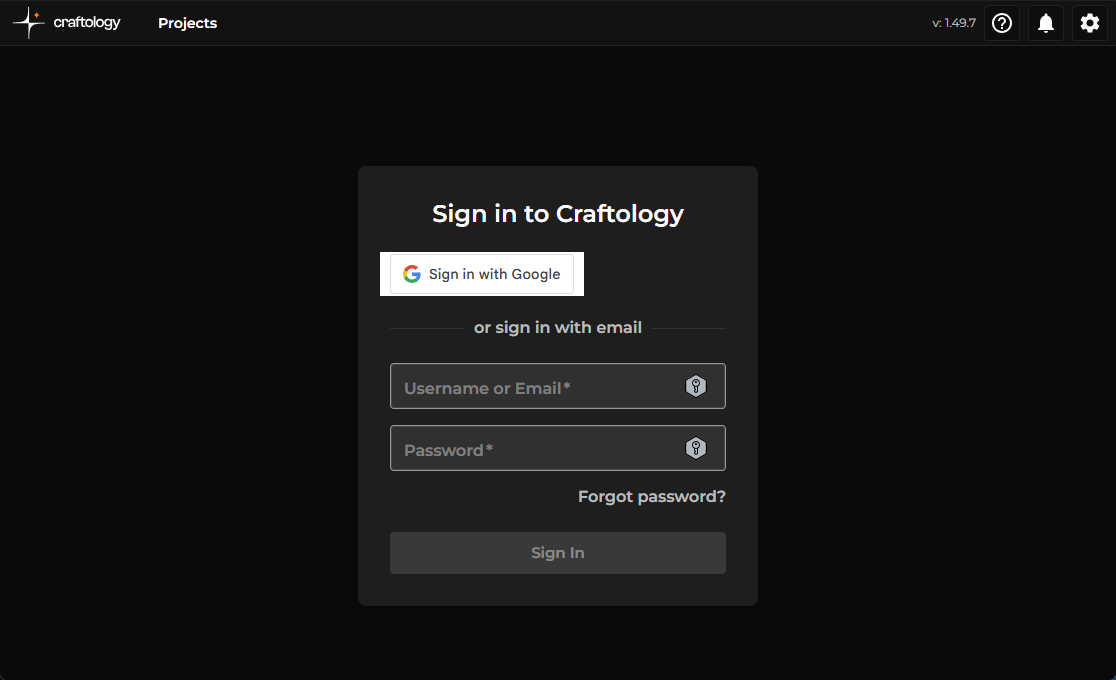
Click Forgot password? below the login form.
Step 2 — Request a Password Reset
On the password recovery screen, enter the same email address that originally received the beta invitation.
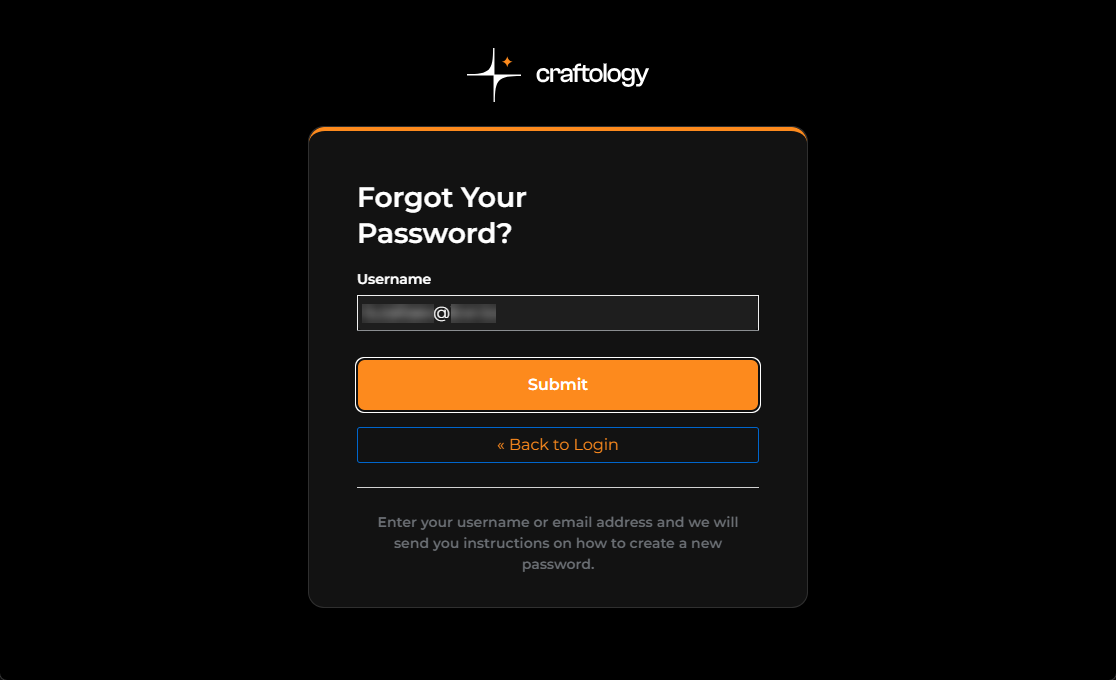
After entering the email, click Submit.
Craftology will send a password reset email from Creator World Support.
You can safely close any old portal tabs or expired invitation pages before continuing.
Step 3 — Open the Reset Password Email
Check your inbox for the email titled Reset Your Password.
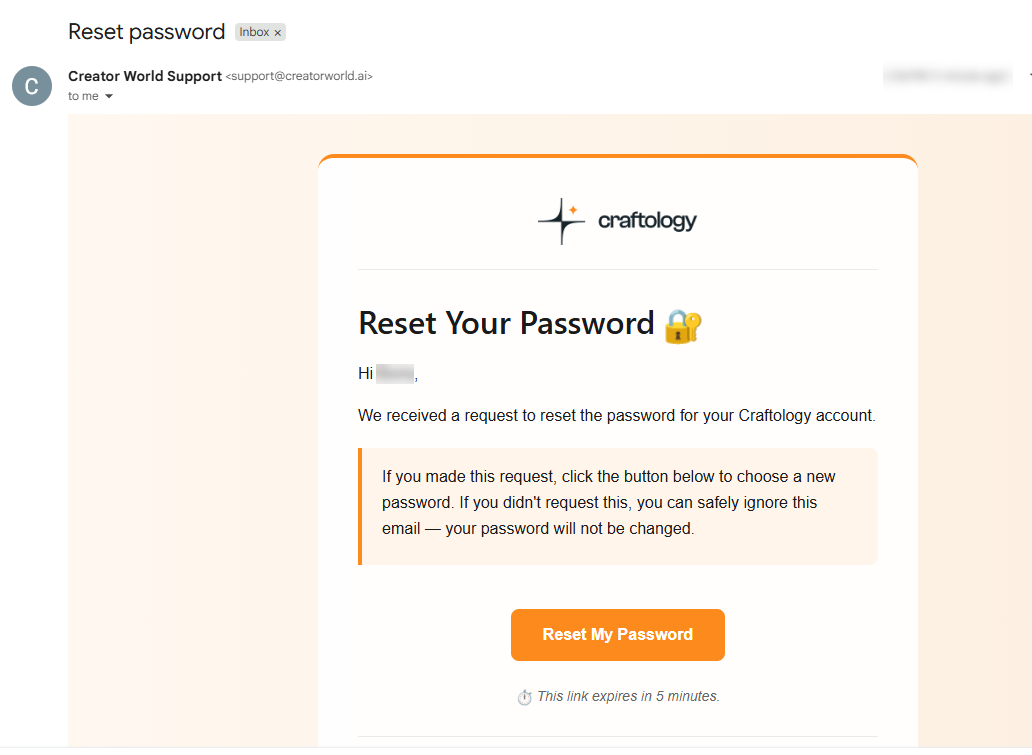
Inside the email:
- Click Reset My Password
- Or use the fallback link displayed below the button if needed
The password reset link is also temporary, so it is recommended to complete the process shortly after receiving the email.
Step 4 — Create a New Password
A new browser tab will open with the password update form.
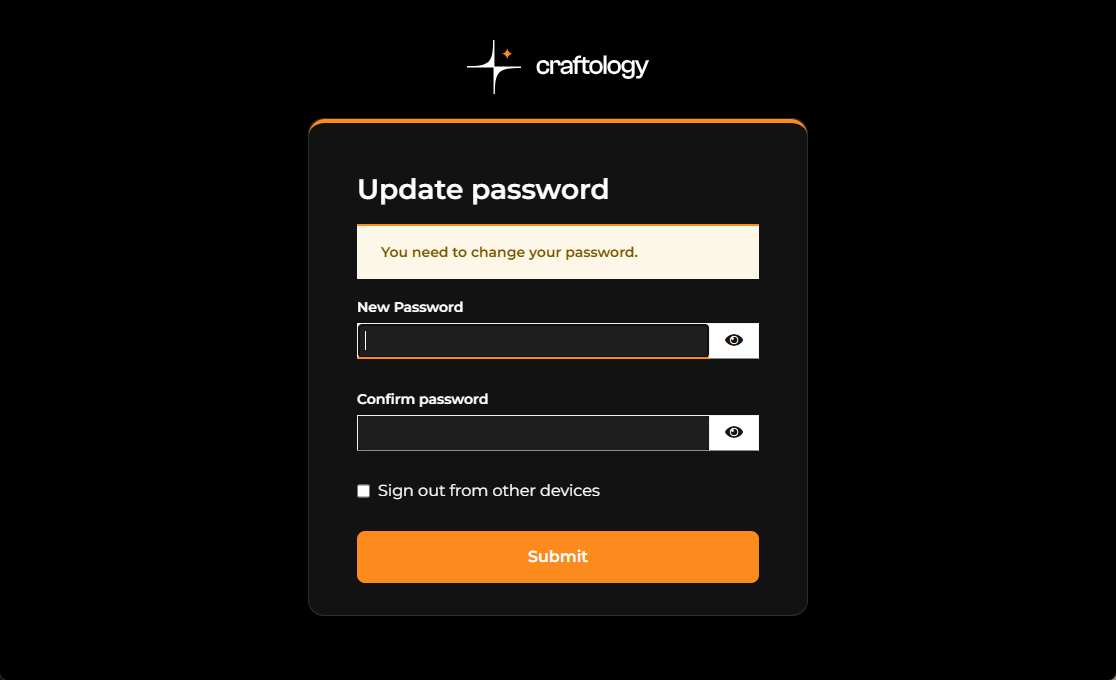
Enter and confirm your new password. Passwords must meet the following requirements:
- Minimum 14 characters
- Uppercase letters
- Lowercase letters
- Numbers
- Special characters
Then click Submit.
Step 5 — Access the Portal
Once the password is successfully updated, Craftology displays a confirmation screen.
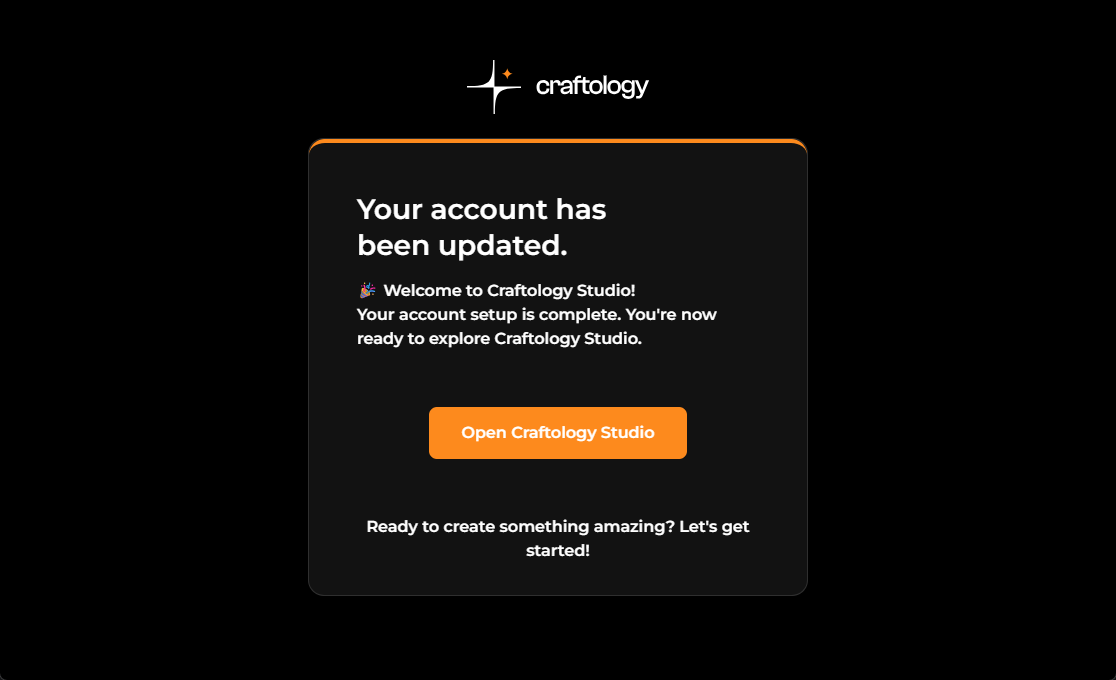
Click Open Creator World Studio to continue.
You can now log in using:
- The same email address used for the invitation
- The new password you just created
After signing in, users may also be asked to review and accept platform policies before portal access is granted.
Additional Notes
This behavior is expected for accounts that were partially created during the original invitation flow. Even though the invitation link expires, the user profile itself typically already exists in the authentication system.
Using the password reset flow is currently the recommended workaround until invitation re-send support becomes available.